

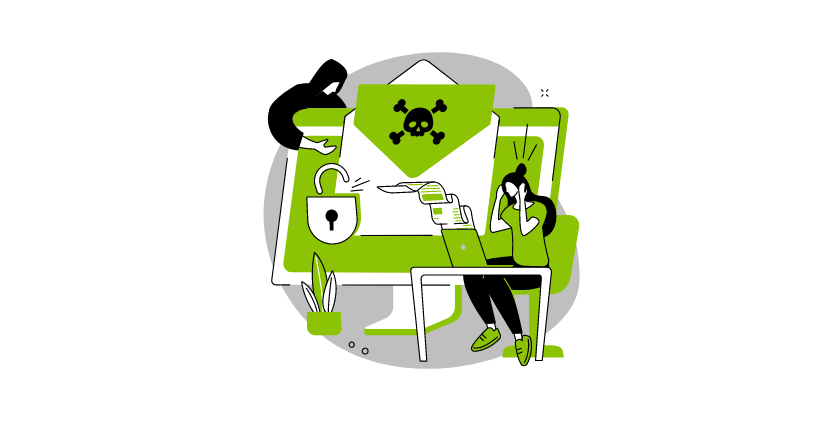
What is malware? A simple guide to understanding malicious software
The internet has changed the way we live, work, and play. But it has also brought new dangers. One of the biggest threats we face online is something called malware.
In this guide, we will break down what malware is, how it works, the different types you should know about, and most importantly, how you can protect yourself and your organization. We’ll also explain how the CyberArrow Awareness Platform can help your team stay safe by building strong human firewalls.
Let’s dive in!
What is malware?
Malware is short for malicious software. It is software designed to harm computers, networks, or people.
In simple words, malware is any bad program that sneaks into your system to steal information, spy on you, lock your files, or even destroy your data.
Cyber criminals use malware for many reasons. They might want to:
- Steal money or personal information.
- Spy on companies.
- Damage systems for revenge.
- Hold data hostage until a ransom is paid.
No matter the reason, the result is bad for anyone who gets attacked.
How does malware work?
Malware often hides inside normal-looking files, websites, or emails. Once you click on a bad link or download an infected file, the malware gets into your system.
Some malware acts right away. Others wait quietly until the hacker tells them what to do.
Common ways malware spreads include:
- Phishing emails with infected attachments.
- Fake software updates.
- Downloading free games or apps from unsafe websites.
- Clicking bad ads (malvertising).
- Using infected USB drives.
Many people don’t even know they’ve been attacked until it’s too late.
Why is malware dangerous?
Malware can cause many problems, like:
- Stealing personal data: Like credit card numbers, passwords, and addresses.
- Crashing systems: Making your computer slow or unusable.
- Encrypting files: Locking important files and demanding money to unlock them (ransomware).
- Spying on users: Watching what you type or where you go online.
- Using your computer: Making it part of a botnet (a network of infected computers).
The damage from malware can cost businesses millions of dollars. It can also destroy trust with customers, partners, and the public.
Types of malware you should know
There are many types of malicious software. Here are the most common ones:
1. Viruses
Viruses attach themselves to files and programs. They spread when you open the infected file.
Example: A Word document with hidden malicious code that spreads once you open it.
2. Worms
Worms spread without needing a host file. They can move across networks on their own.
Example: A worm that infects every computer on your office network within minutes.
3. Trojans
Trojans hide inside real-looking programs. Once installed, they give hackers control of your system.
Example: A free “photo editing app” that secretly steals your passwords.
4. Ransomware
Ransomware locks your files or systems and demands money to unlock them.
Example: You try to open your customer database, but it’s encrypted with a note asking for payment in Bitcoin.
5. Spyware
Spyware secretly watches what you do on your device.
Example: A program that tracks everything you type, like usernames and passwords.
6. Adware
Adware floods your device with unwanted ads. Some adware also tracks your browsing habits.
Example: You start seeing endless pop-up ads after installing a free game.
7. Rootkits
Rootkits give hackers deep access to your system, allowing them to control it without you knowing.
Example: A hacker silently using your company server to launch attacks on others.
8. Botnets
Botnets are networks of infected computers controlled by hackers. They are often used for large cyber attacks.
Example: Thousands of infected computers launching a major attack on a government website.
Signs that your system might be infected
It’s not always easy to spot malware, but here are some warning signs:
- Computer or phone becomes very slow.
- Programs crash or won’t open.
- Strange pop-ups or messages.
- Files missing or encrypted.
- Emails sent from your account without your knowledge.
- New programs you didn’t install.
If you notice any of these, act fast!
Quick link: What to do if you click on a phishing link
How to protect against malware
Staying safe from malicious software takes a few smart steps:
1. Install security software
Use trusted antivirus and anti-malware programs. Keep them updated.
2. Update your systems
Always update your software and operating system to fix security holes.
3. Be careful with links and attachments
Never click on links or open files from people you don’t know.
4. Use strong passwords
Create passwords that are hard to guess and different for each account.
5. Backup your data
Keep copies of your important files in safe places.
6. Train your team
Most malware attacks happen because someone clicks something bad. Training your employees is one of the best defenses.
This is where CyberArrow can help in a big way!
How CyberArrow Awareness Platform helps fight malware
Building a strong cyber security system is not just about technology. It’s about people too. Human mistakes are the biggest reason malware attacks succeed.
The CyberArrow Awareness Platform is designed to make your people your first line of defense.
Here’s how it works:
Automated cyber security awareness training
CyberArrow delivers easy, fun, and regular training sessions to your employees. No more boring, one-time security lessons. Employees learn how to spot phishing emails, bad links, suspicious software, and more.
Build human firewalls
The platform turns your employees into human firewalls, trained, alert, and ready to protect the organization from malware and other cyber threats.
Continuous learning
New cyber threats come out every day. CyberArrow keeps your team updated with the latest best practices through ongoing micro-lessons.
Track progress easily
CyberArrow shows you exactly how well your team is doing. See who has completed their training, where the gaps are, and what improvements are needed.
Reduce risk across your organization
With trained and alert employees, your organization becomes much harder for hackers to attack successfully.
Real use cases for CyberArrow Awareness Platform
- Small businesses: Affordable way to build a culture of cyber safety.
- Mid-sized companies: Easily manage security training across multiple teams.
- Large enterprises: Full visibility into training progress and risk areas.
- Government and healthcare: Meet compliance requirements while protecting sensitive data.
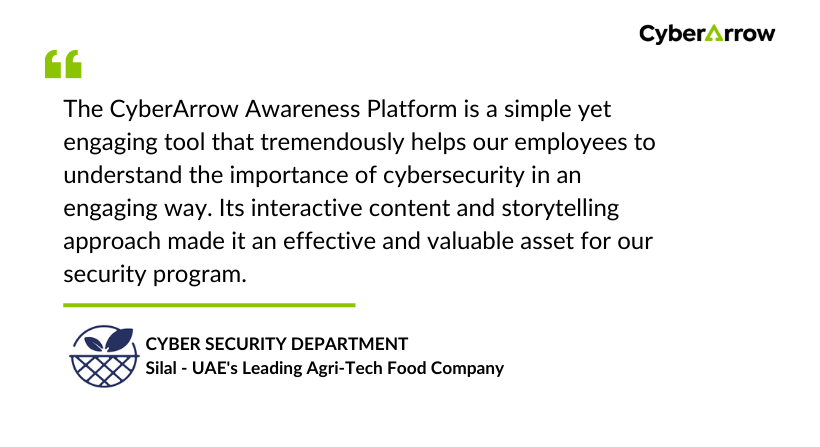
Read how CyberArrow awareness platform increased security awareness among Silal’s employees.
See what Silal has to say about CyberArrow Awareness Platform:
Final thoughts
Malware or malicious software is a major threat, but you are not powerless against it. By understanding what malware is, how it works, and how to spot it, you can protect yourself and your organization.
Technology like antivirus software is important. But remember: your people are your biggest defense. If they know what to look for and how to react, you can stop many attacks before they even start.
The CyberArrow Awareness Platform makes it easy to train your team and build a strong defense against malware and other cyber threats.
